
Manage public ID
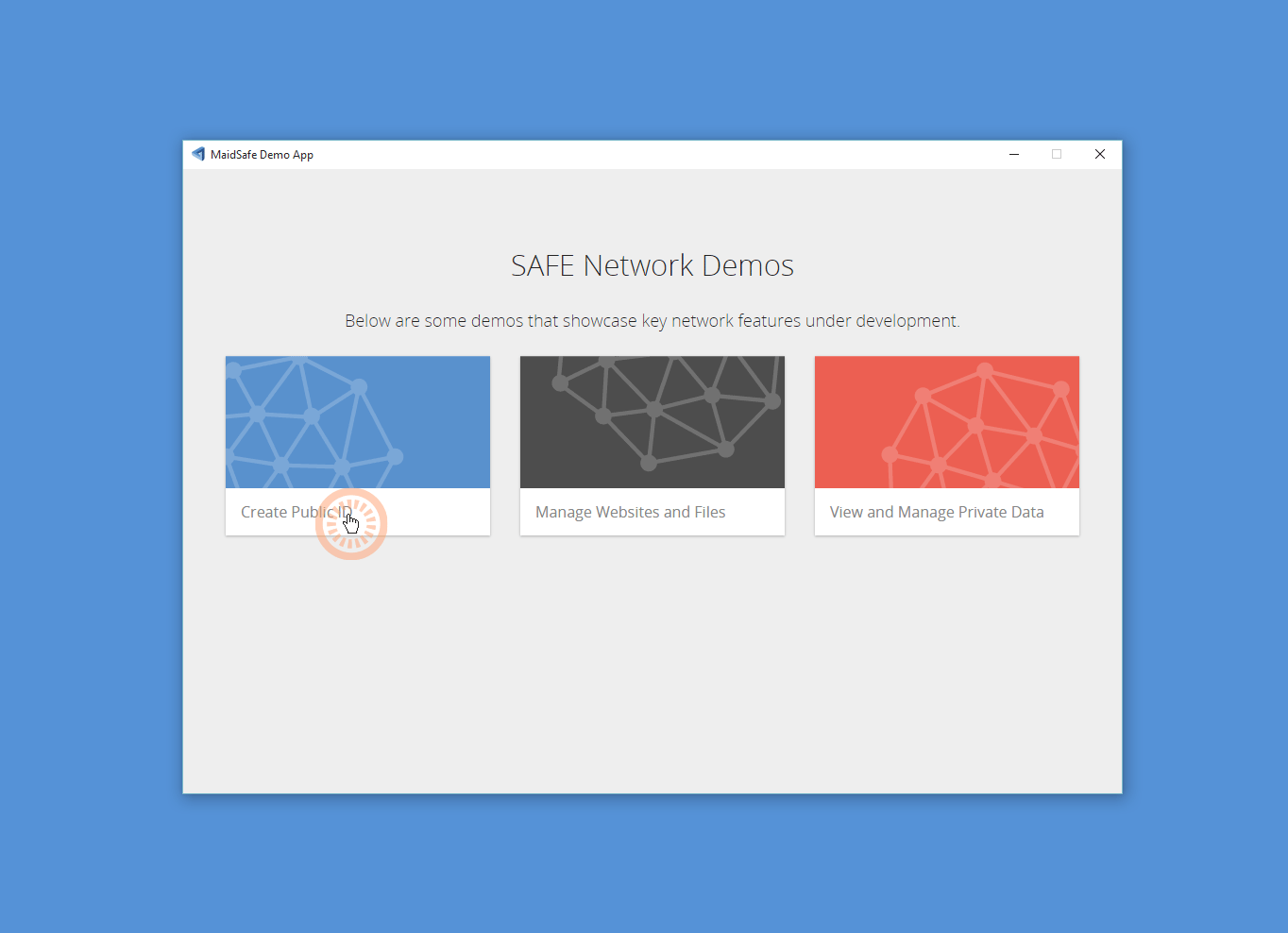
Click on the <Manage public ID> section to go to the demo, that will allow you to create a Public ID for use on the SAFE Network. This ID will be used for SAFE apps e.g. Web, Drive.
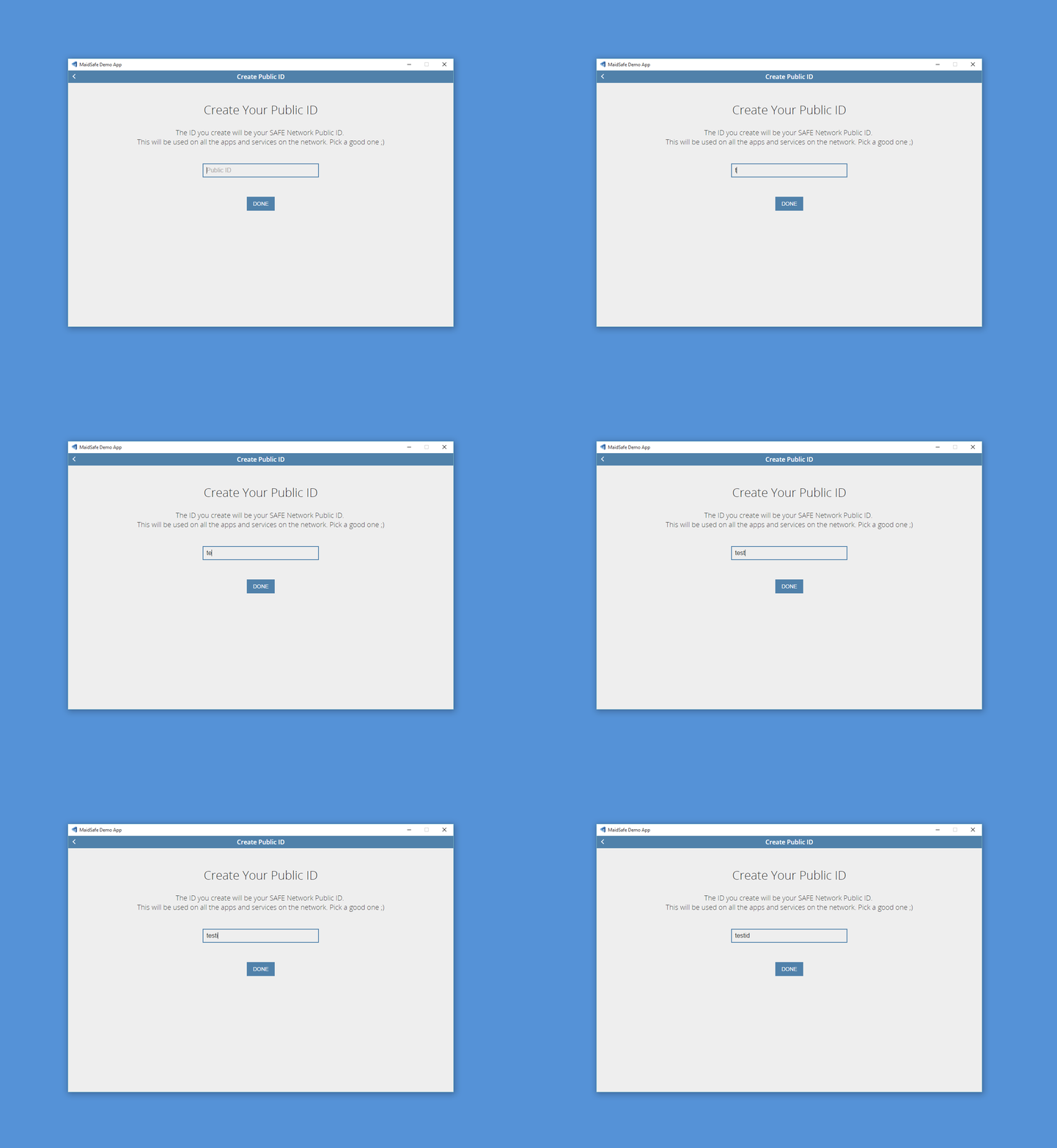
Create an ID, which will be your SAFE Network Public ID used on all apps and services on the SAFE Network.
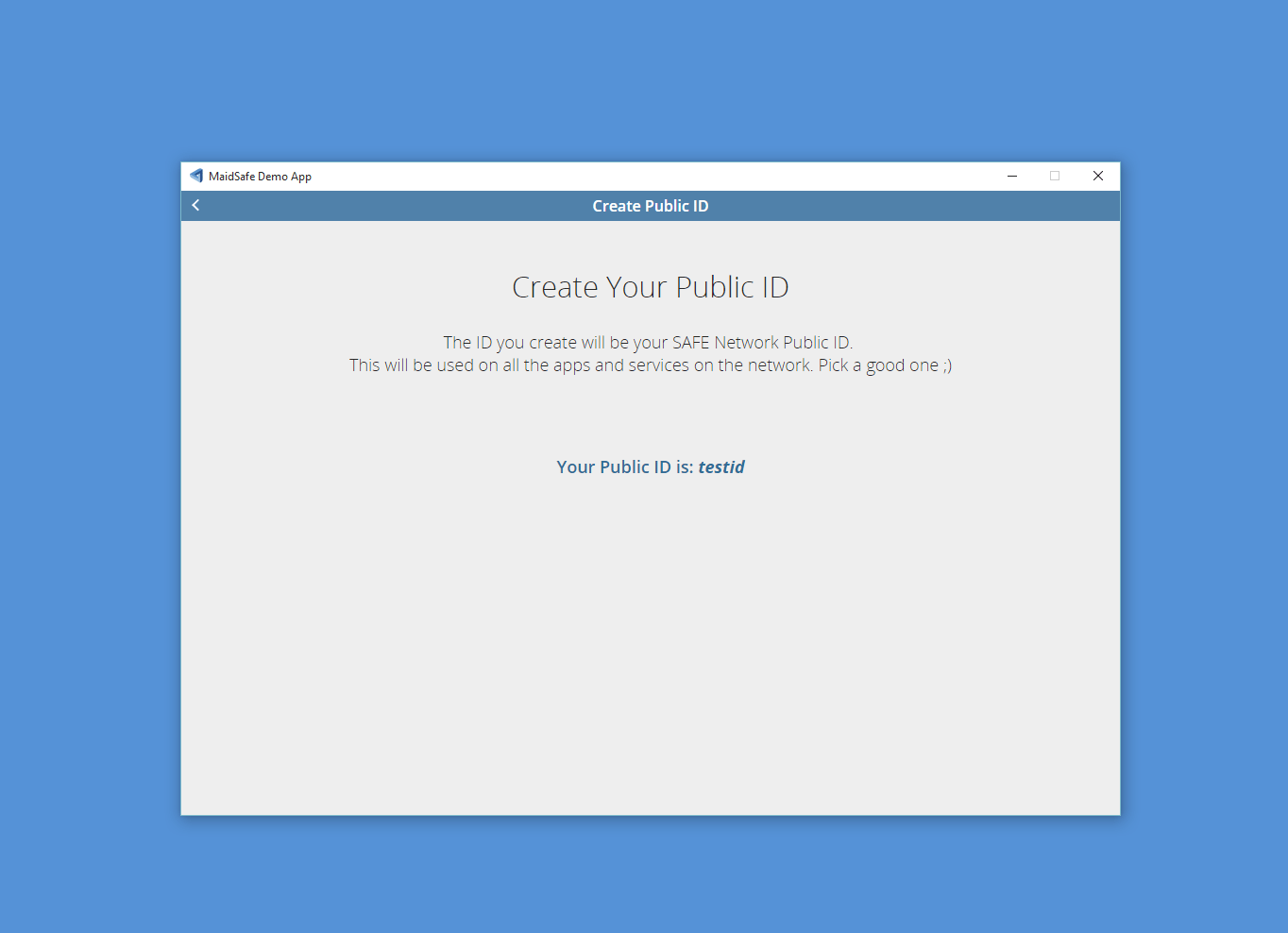
Nice one! You have created a Public ID
Now have a go creating a website on the SAFE Network
Manage websites and files
Current limitation is 1mb file size limit
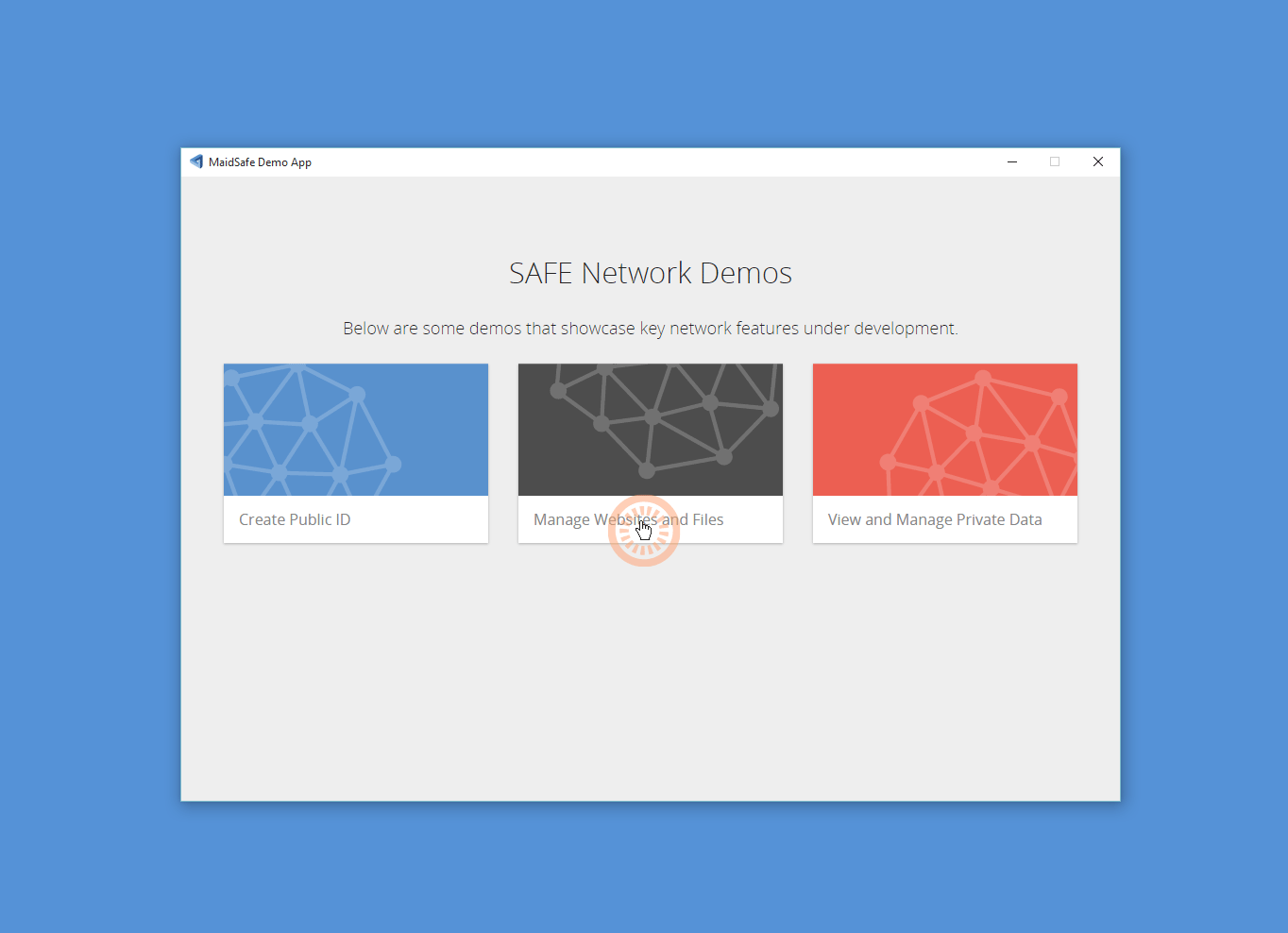
Click on the <Manage websites and files> section to launch the demo that allows you to create and manage sites hosted on the SAFE Network. Using templates or upload your own.
Create, edit and view services you have tied into your public ID.
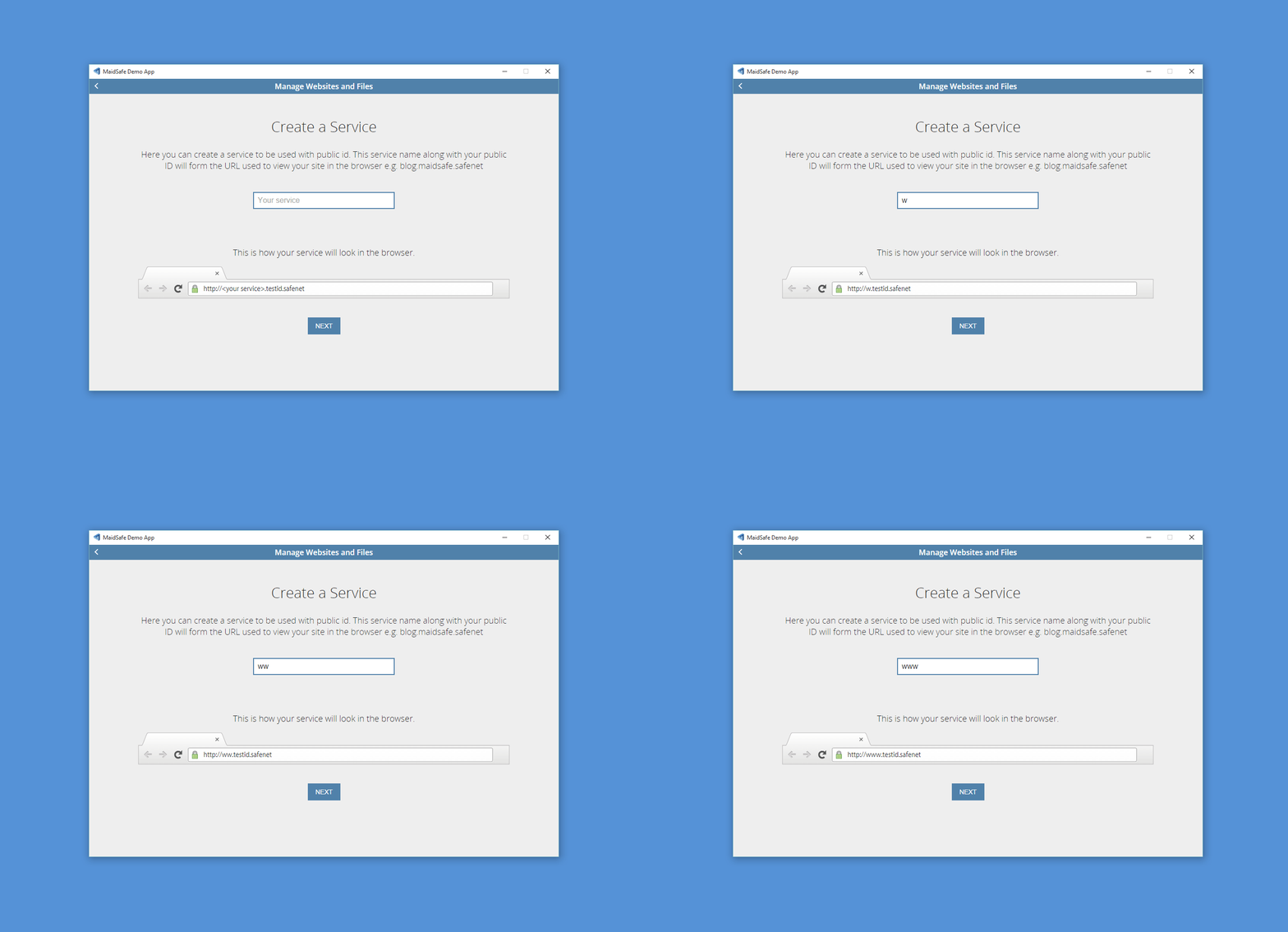
Service naming must be unique within your own Public ID
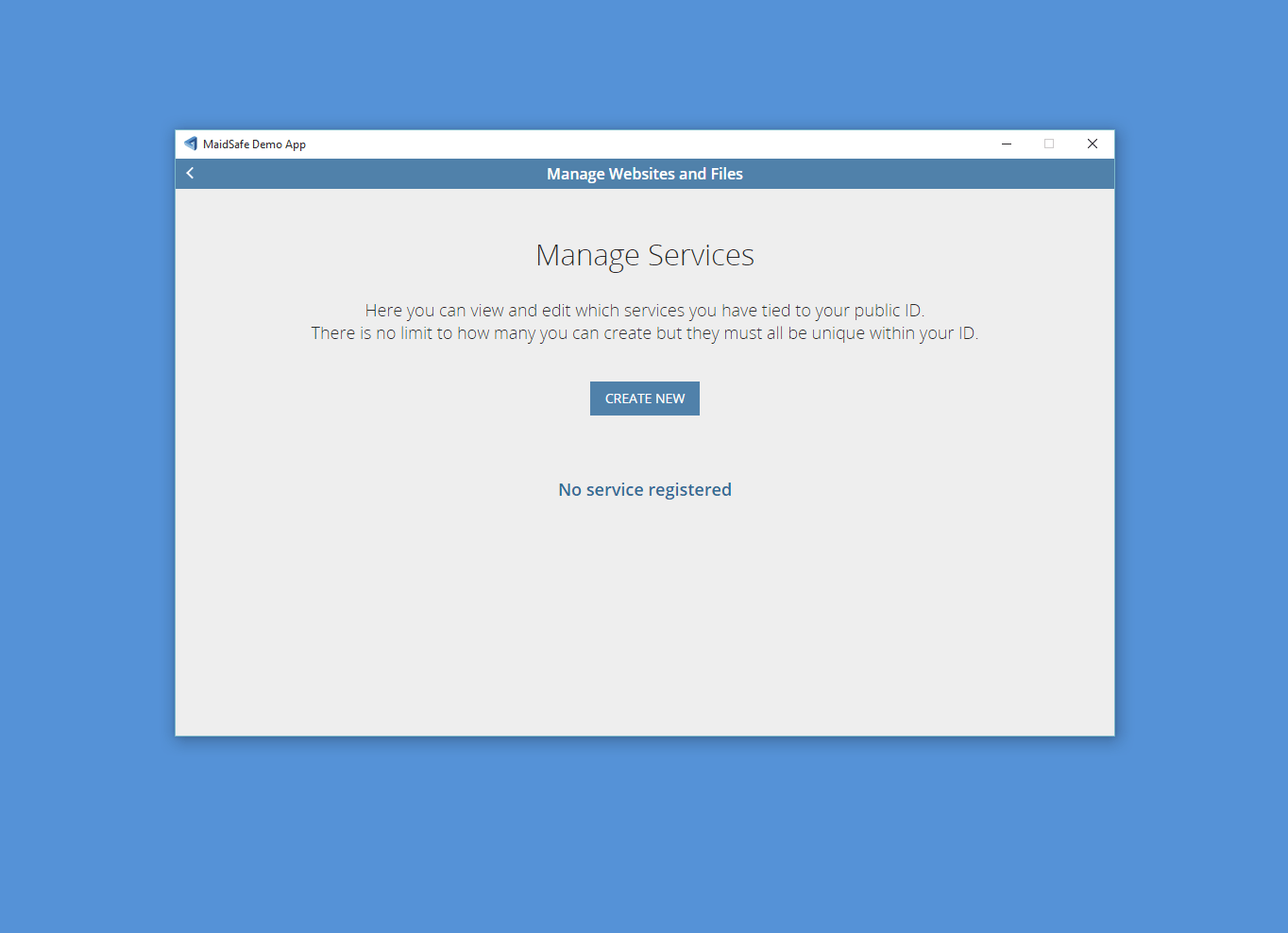
Now create a service that when used with your public ID will form URL that will be used to view your SAFE site in a browser.
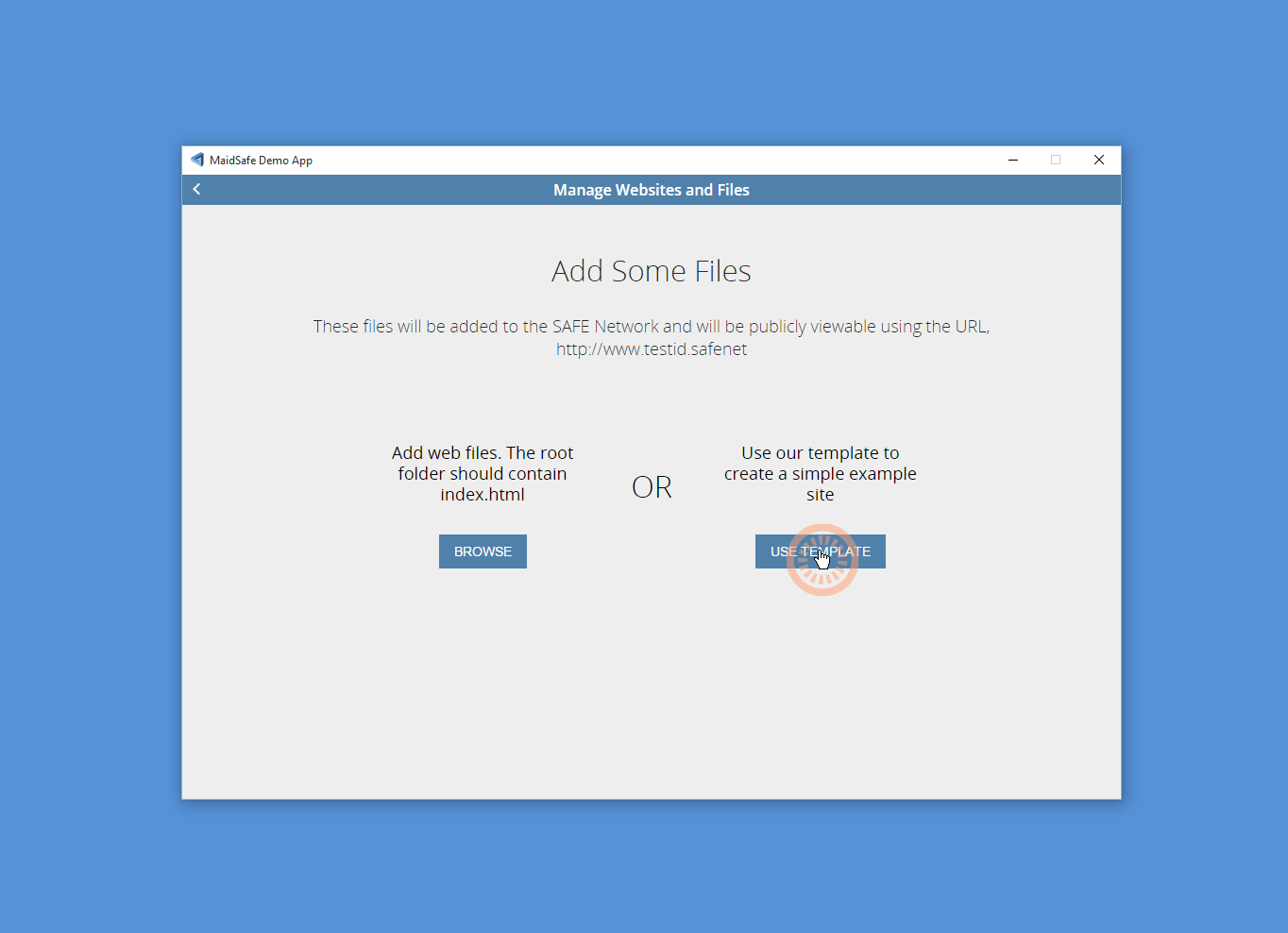
Now time to add some files to the service you have just created, you can either upload your own files or use the template option. In this walk through we will use the <USE TEMPLATE> option.
If you upload your own files
Ensure that you have an index.html file in the directory you upload
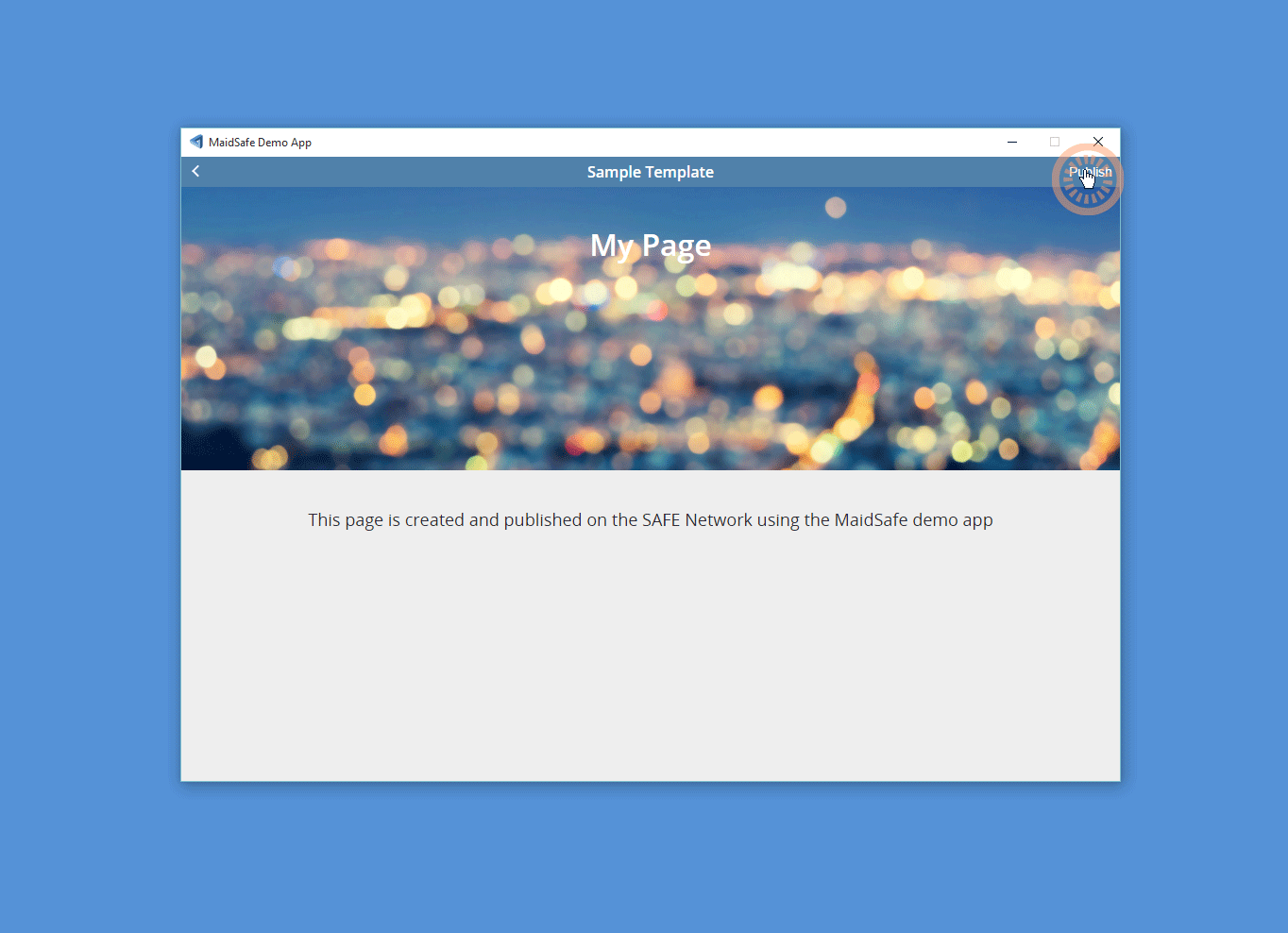
You can click and change the text in this sample template and click on <Publish> when you want to upload this to the SAFE Network.
Remember to set the proxy with the .pac file to view this site
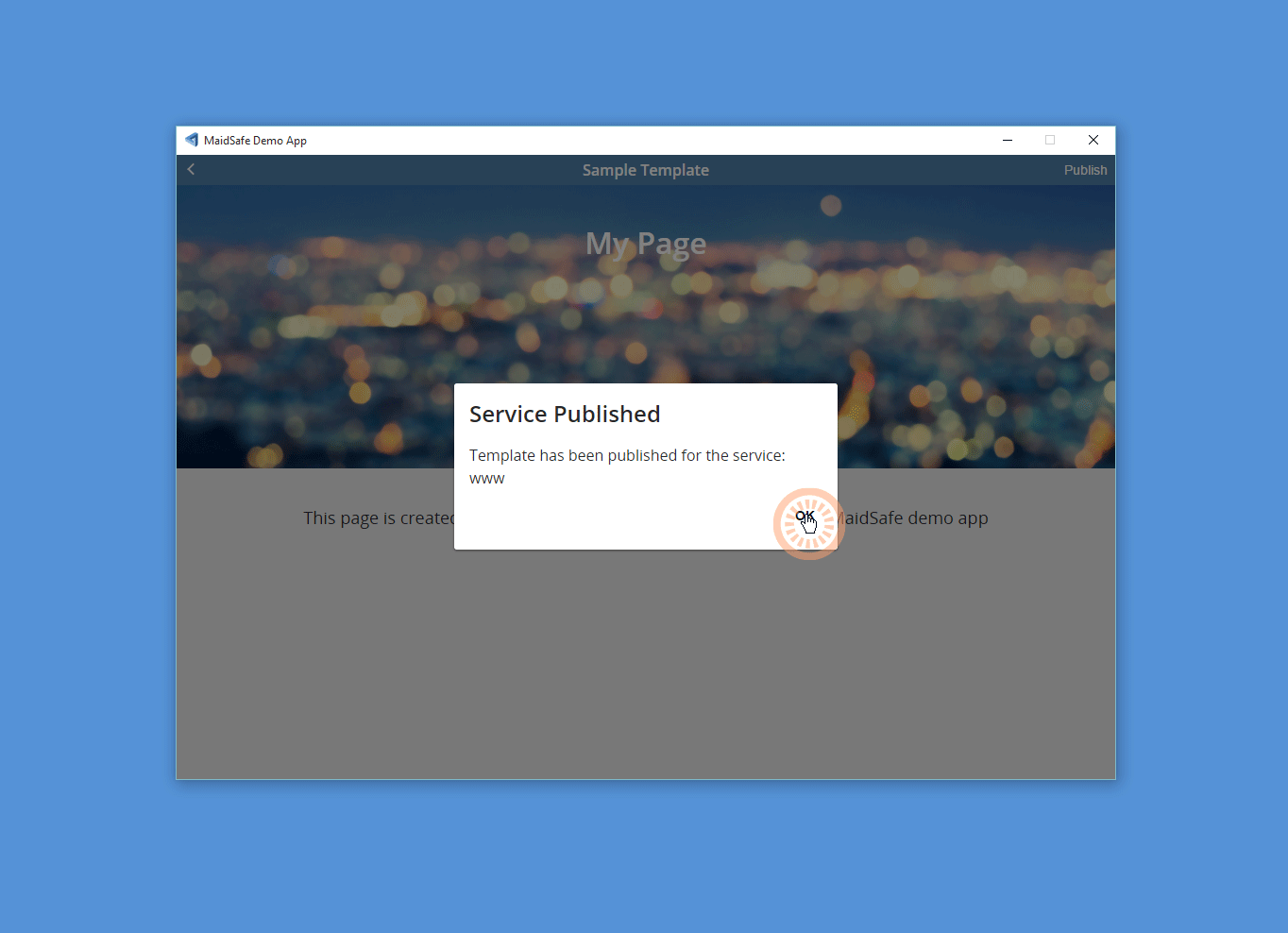
Successfully Published!
Your SAFE site is now on the SAFE Network put your URL into a browser to view it.
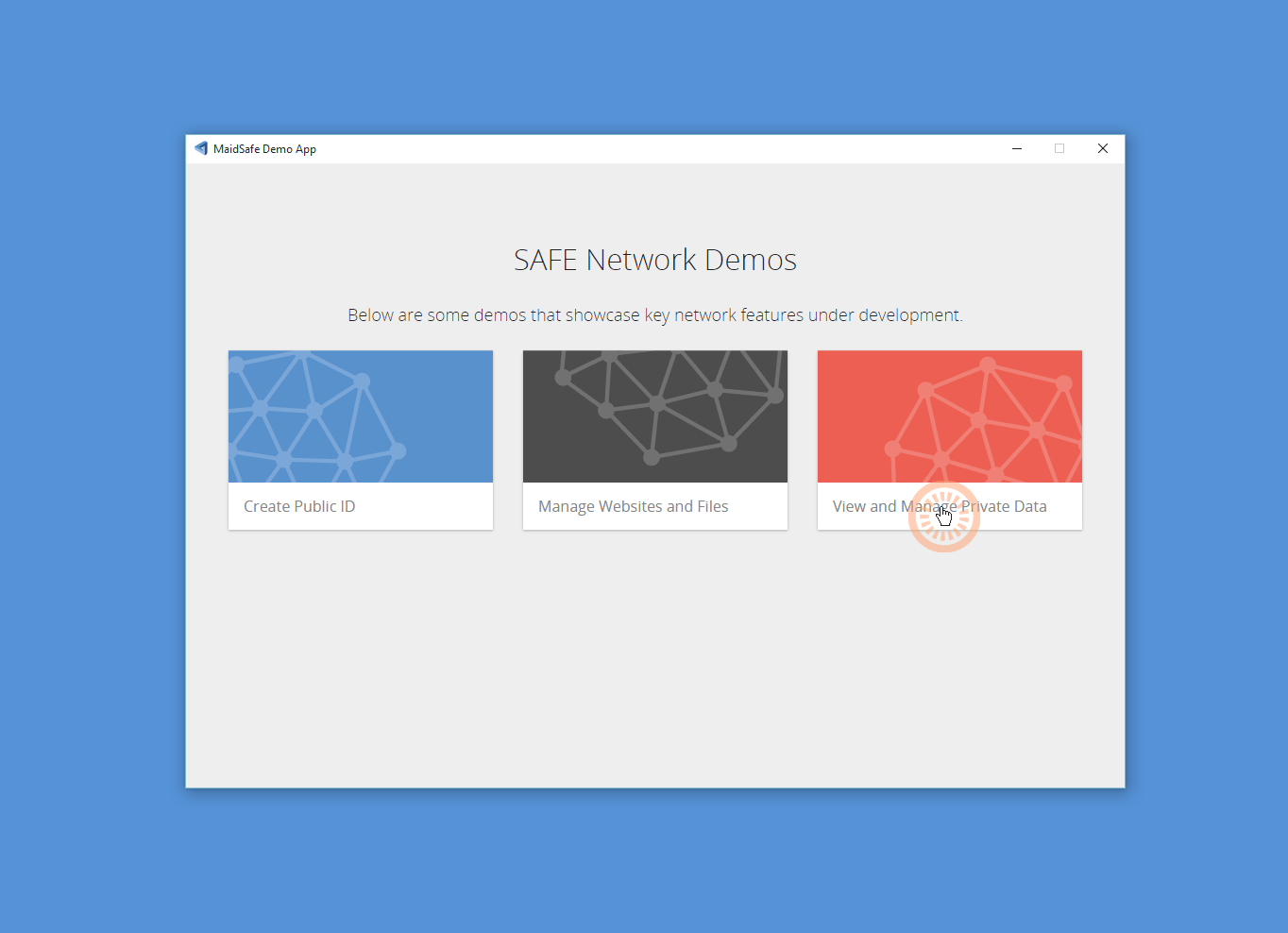
View and manage private data
Current limitation is 1mb file size limit
Click on the <View and Manage Private Data> section to launch the demo that allows you to view and manage private data that only you can see.
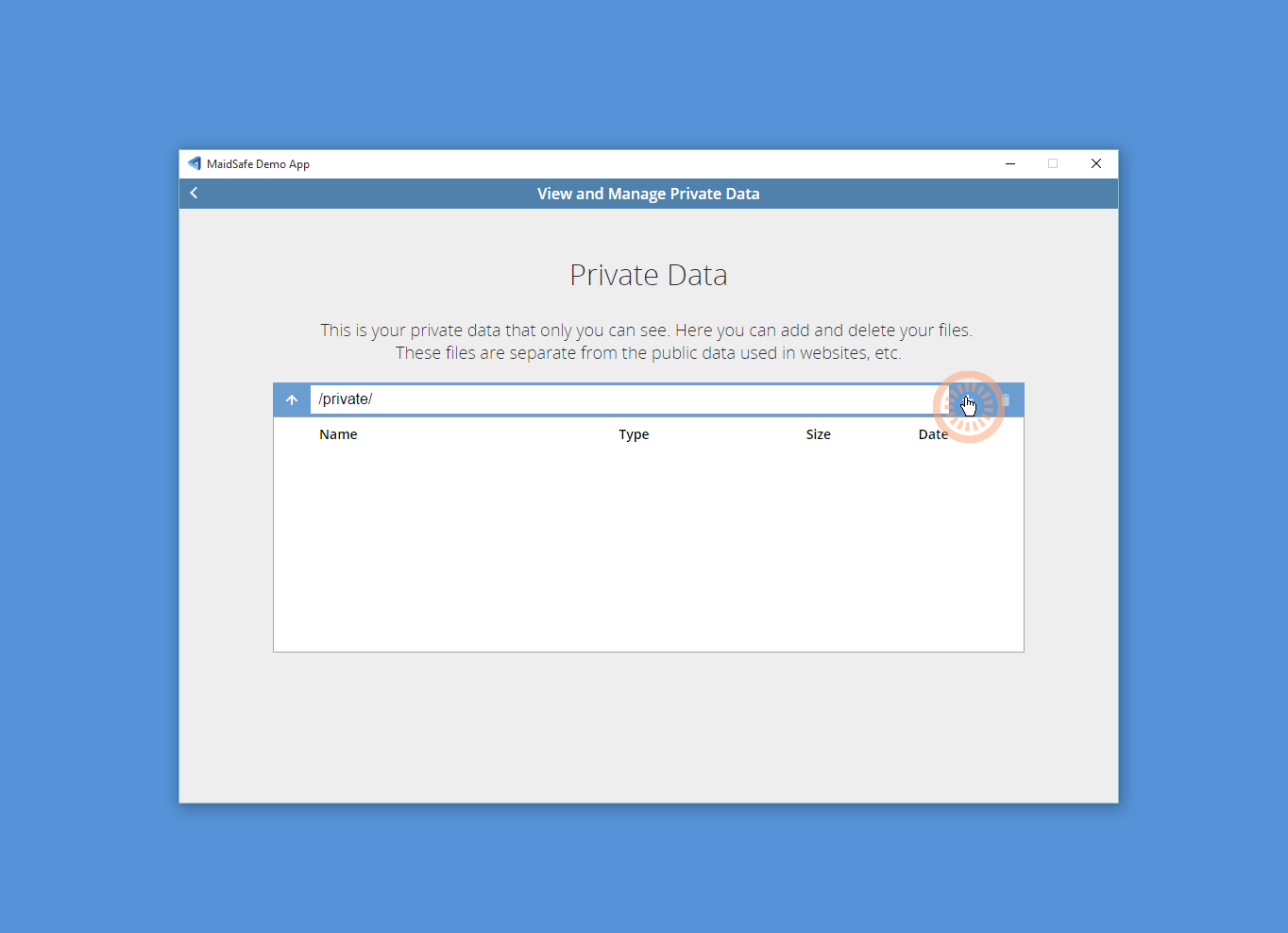
Click <+> to upload a directory or a file.
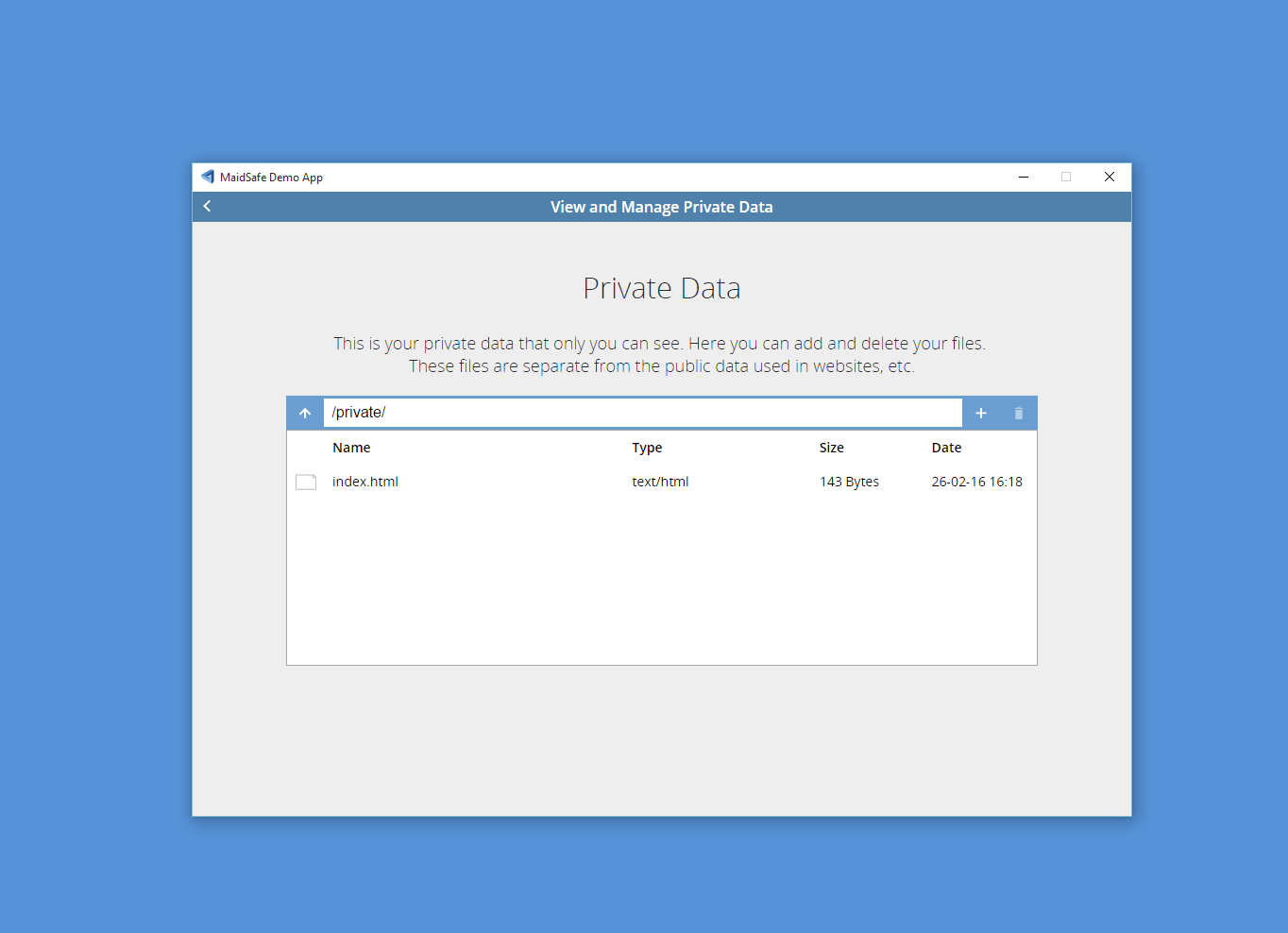
Once private files or directories have been uploaded they are viewable in the demo explorer, where you can delete or add more.
These private files are completely seperate from any public data you have uploaded
You have now walked through the SAFE Demonstration Application
Keep a look out on the SAFE Network forum to see what exciting demo sites folk create and of course shout about your own!