
Network storage during test phase
This test network will be stopped and restarted regularly as part of this testing phase, resulting in the loss of all data stored. We shall endeavour to communicate these events via the SAFE Network Forum. It is to be expected that as with any software test, the network is incomplete, buggy, and is to be used at the owners own risk.
Download SAFE Launcher
Follow this link and download the appropriate SAFE Launcher .zip for your OS.

 github.com
OS support
Currently we only support 64 bit versions of Linux, Windows and OS X.
Set up SAFE Launcher
Once you have downloaded the .zip file extract the contents.
The extracted folder will be called safe_launcher-<operating system>-x64.
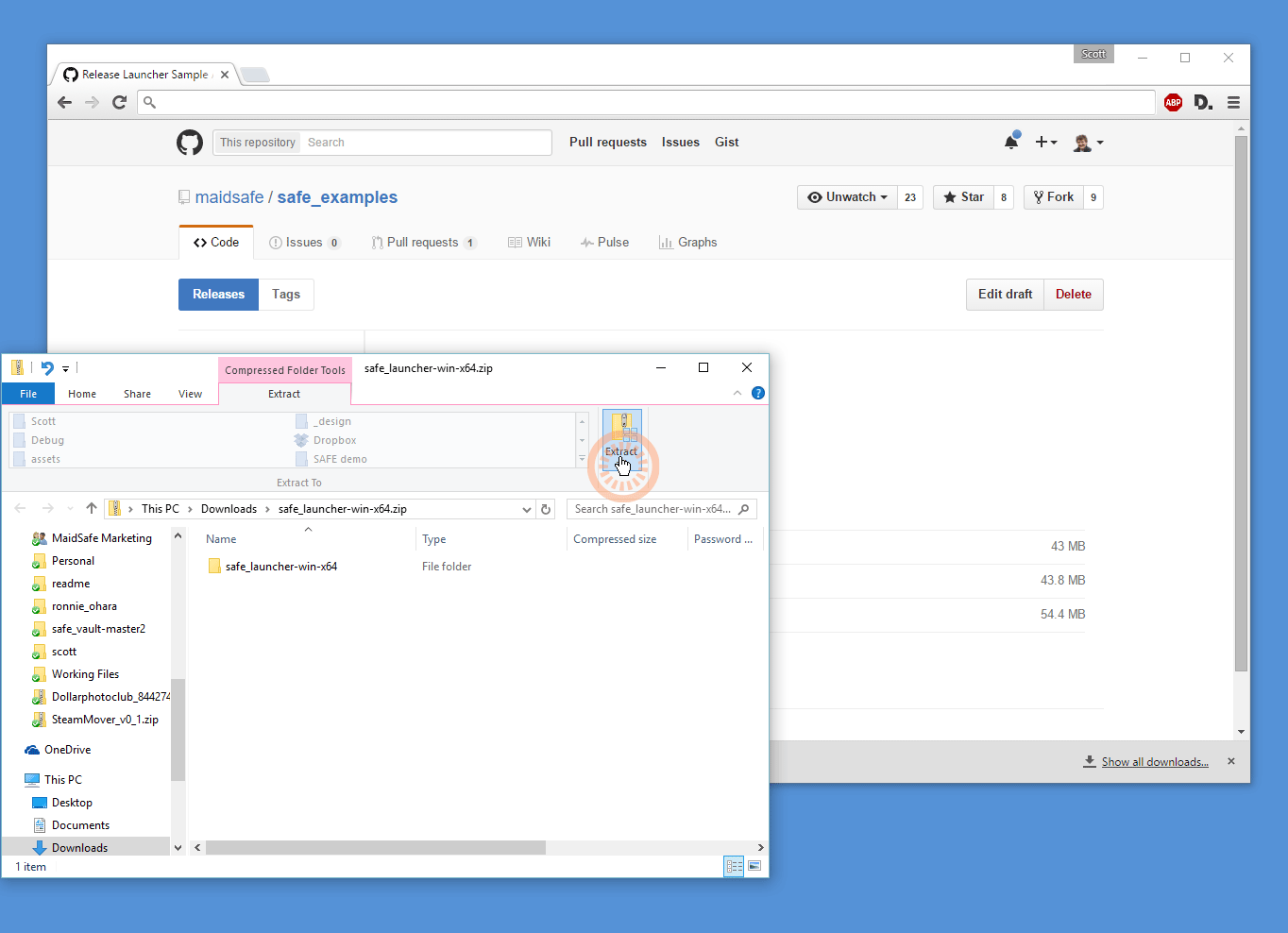
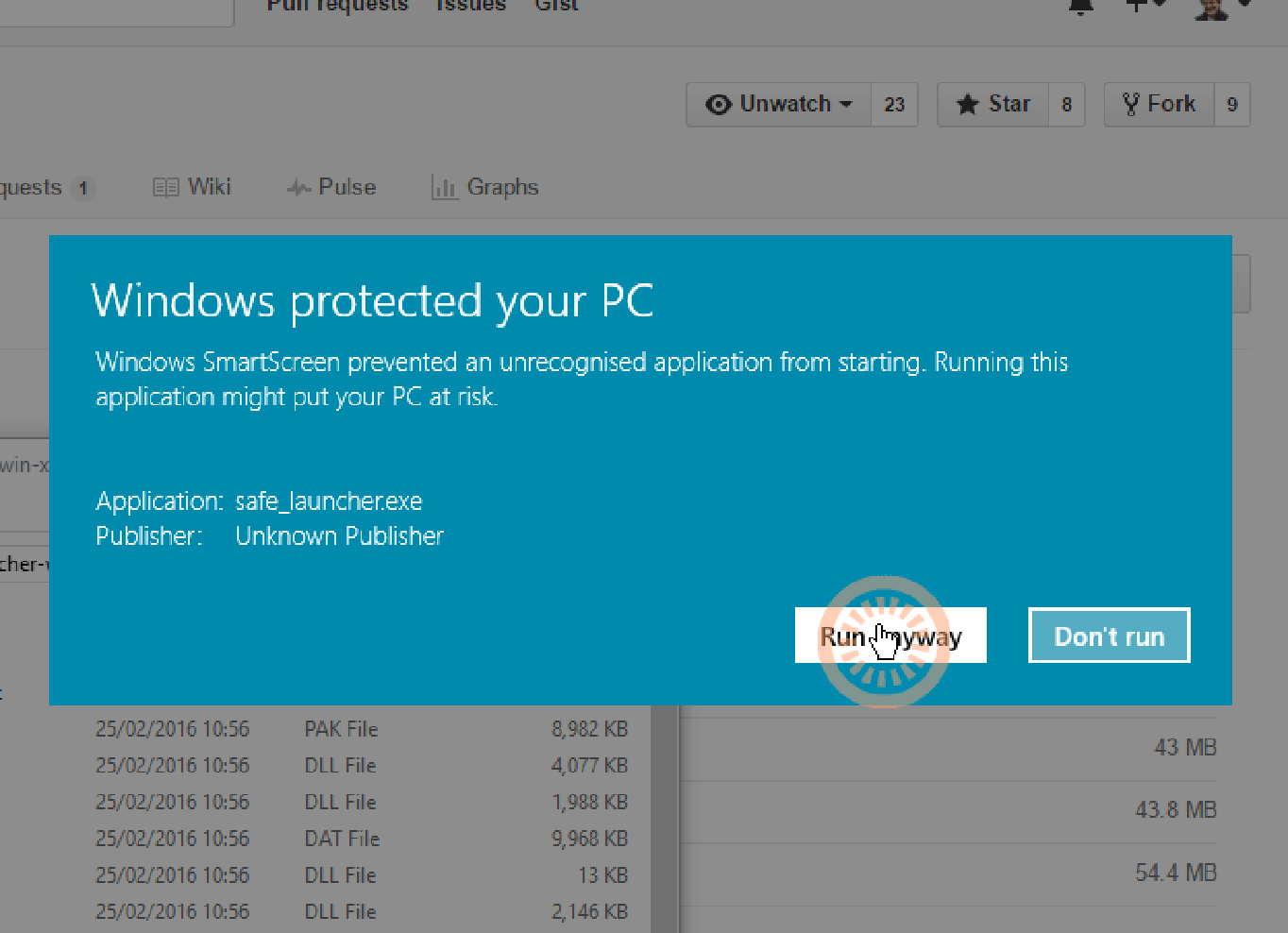
Windows Warning
Open this folder and run the safe_launcher executable - some OS will warn you about running this executable, below are the Windows warnings. Choose More info > Run Anyway
OS X Warning
On OS X you need to <CTRL> click and select Open. You will then see the following windows:
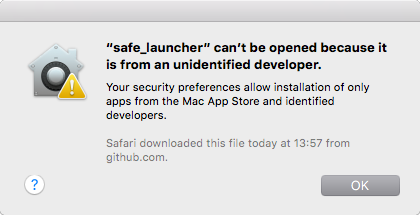
Click OK
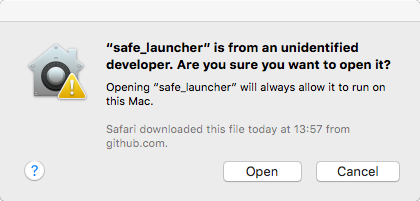
Open "safe_launcher"
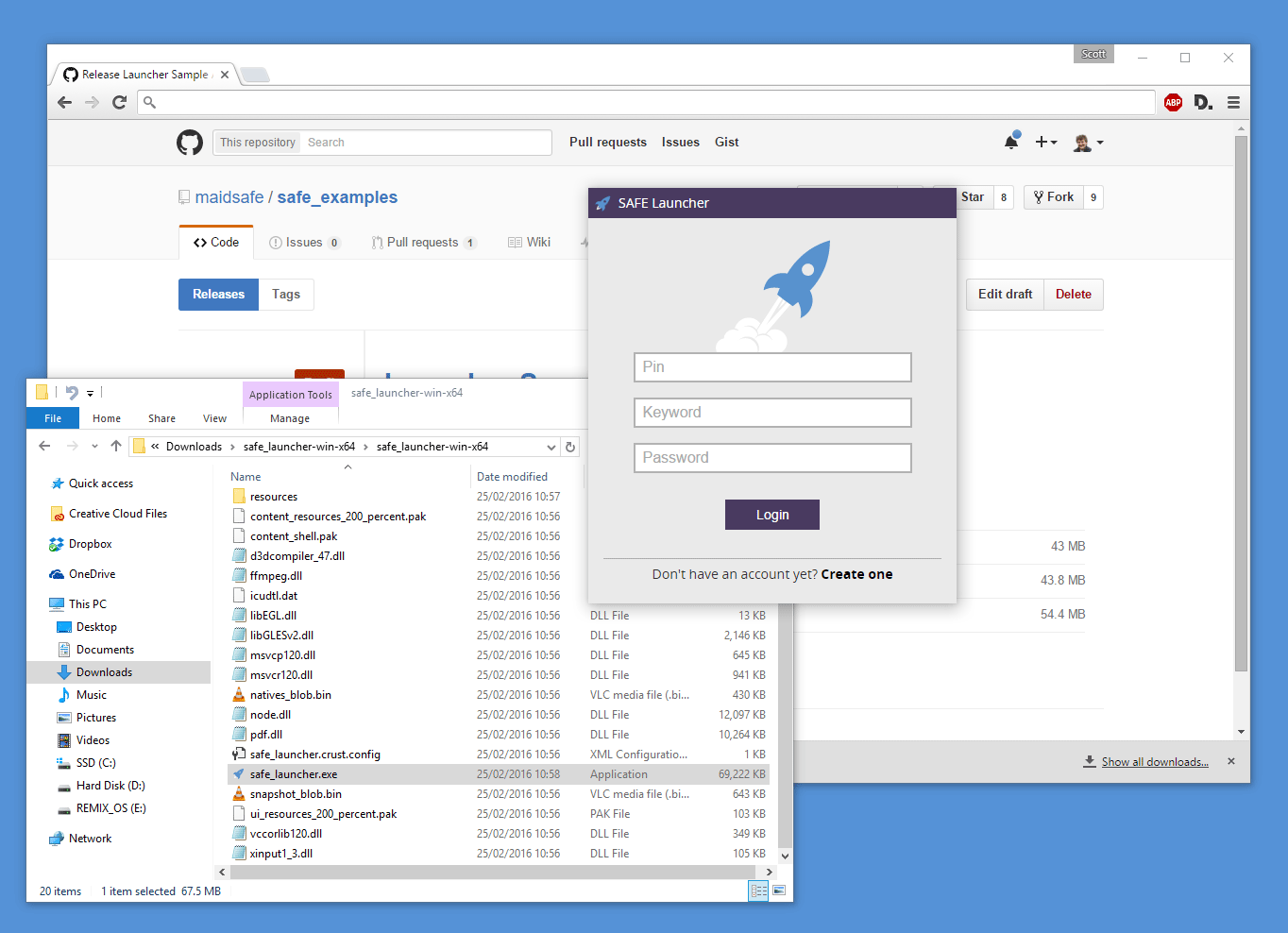
You are now ready to launch!