
Create an Account
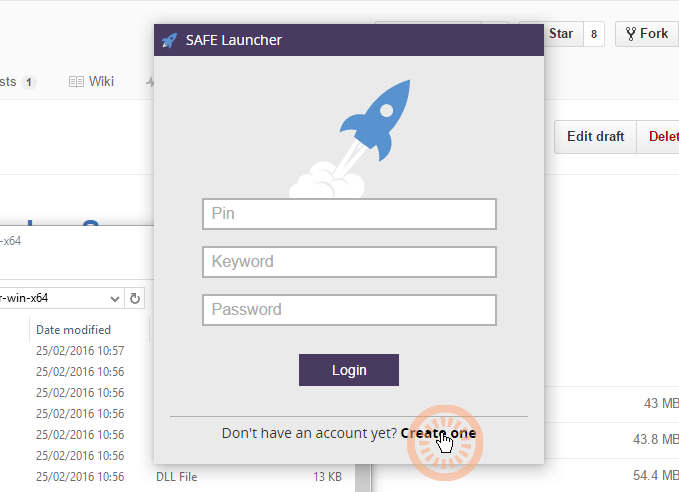
First time round you will need to create an Account - choose Create one
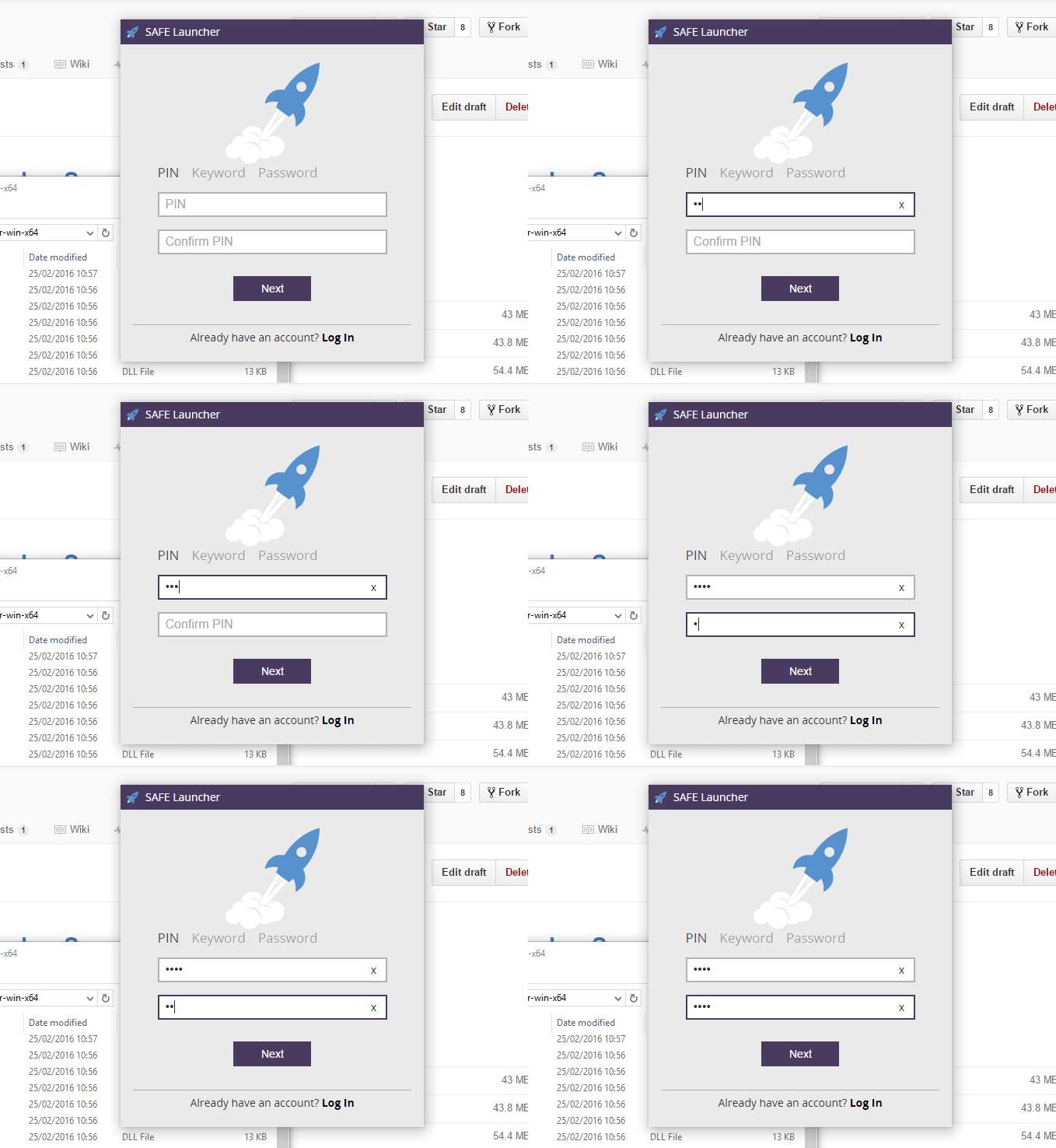
Enter a PIN
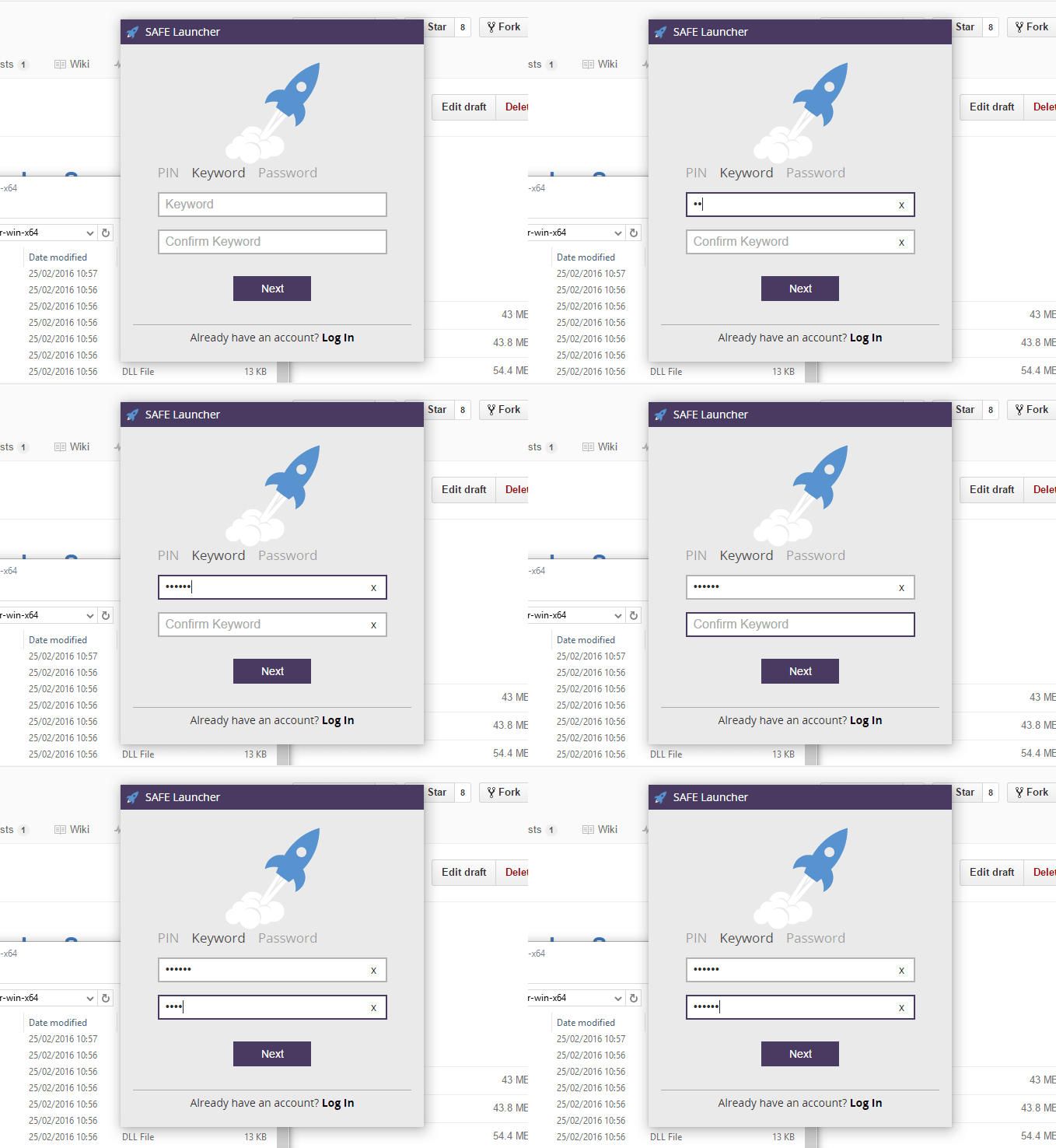
Enter a Keyword
Enter a Password
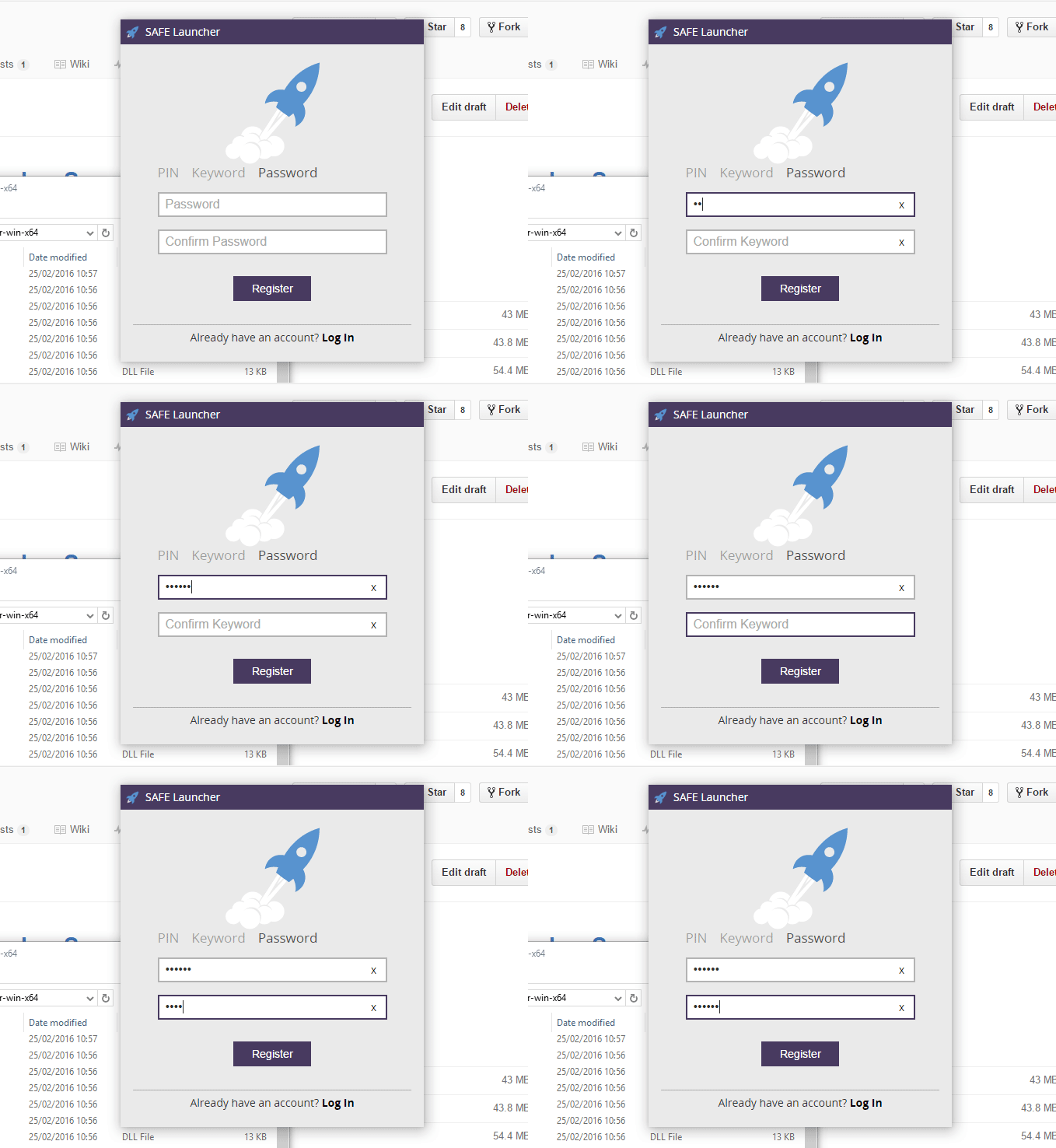
You will now be registered onto the testnet SAFE Network
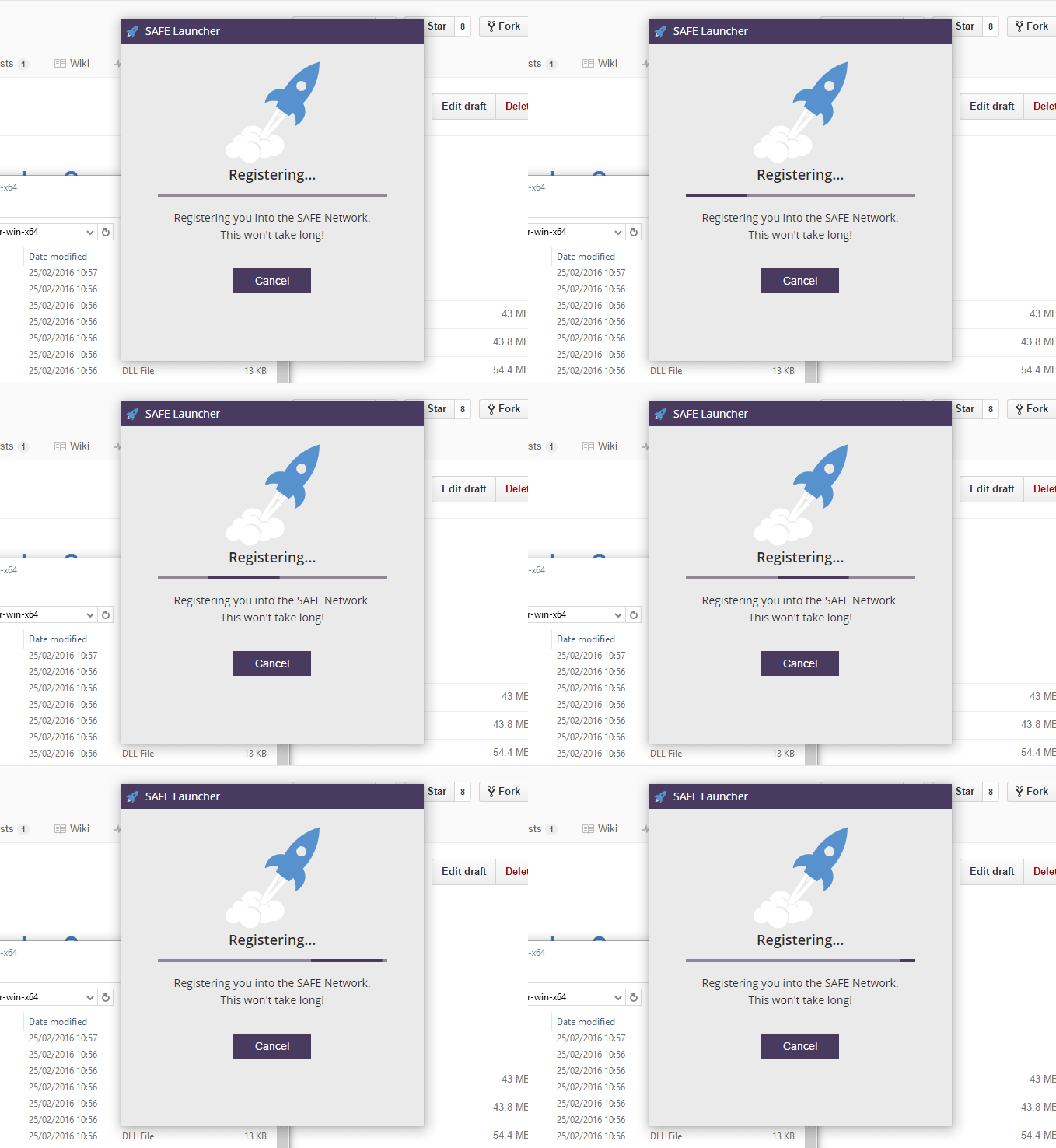
Successful registration
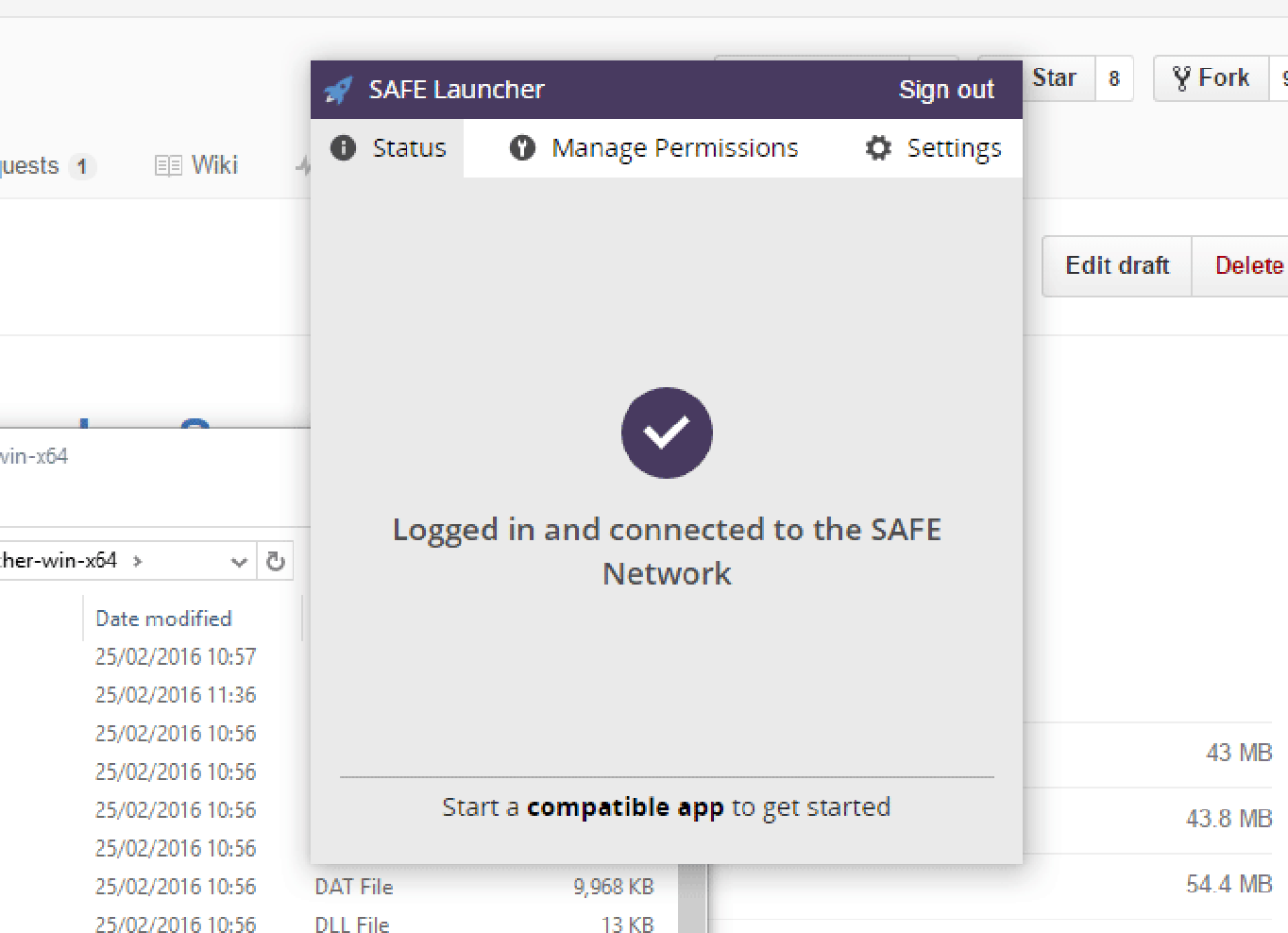
Once registration is complete you will see the screen below and you are now logged in and connected to the SAFE Network via Launcher and ready to start using compatible apps.
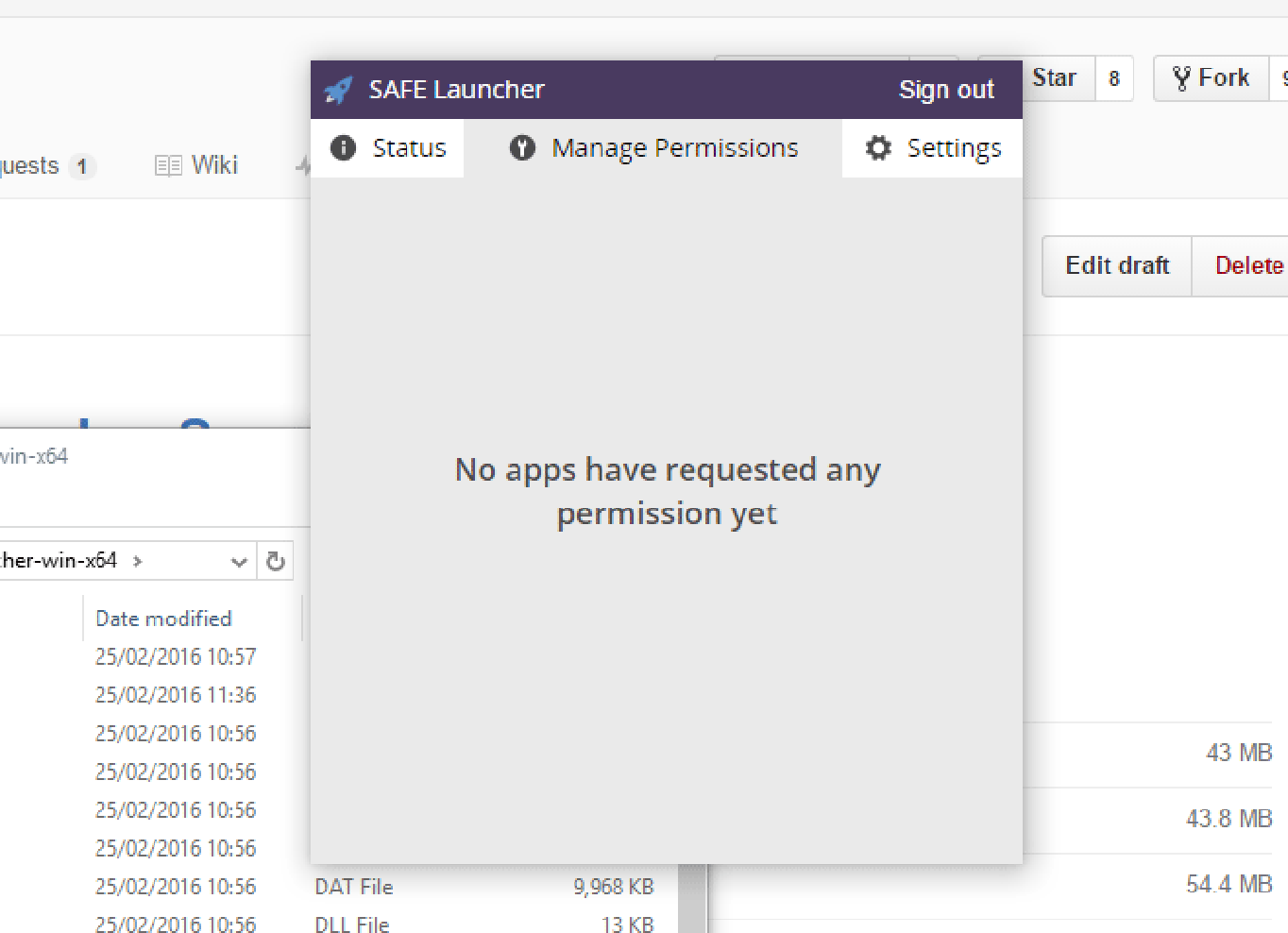
Manage permissions
From this tab you can manage permissions from compatible apps you have allowed access.
Settings
To access SAFE websites ensure that the Web Proxy Server is enabled, it should be by default.
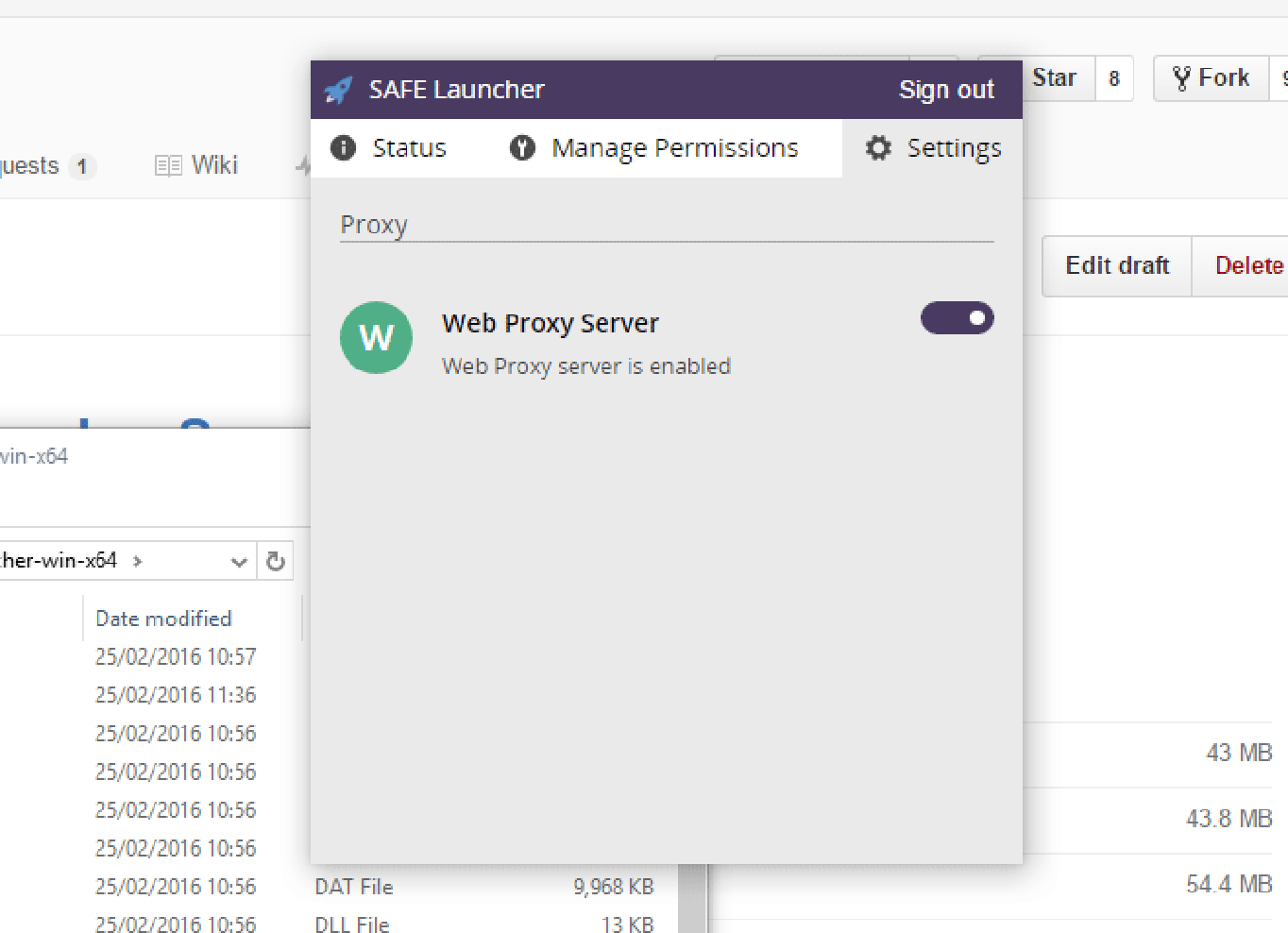
Setup an Automatic Proxy to browse the SAFE Network.