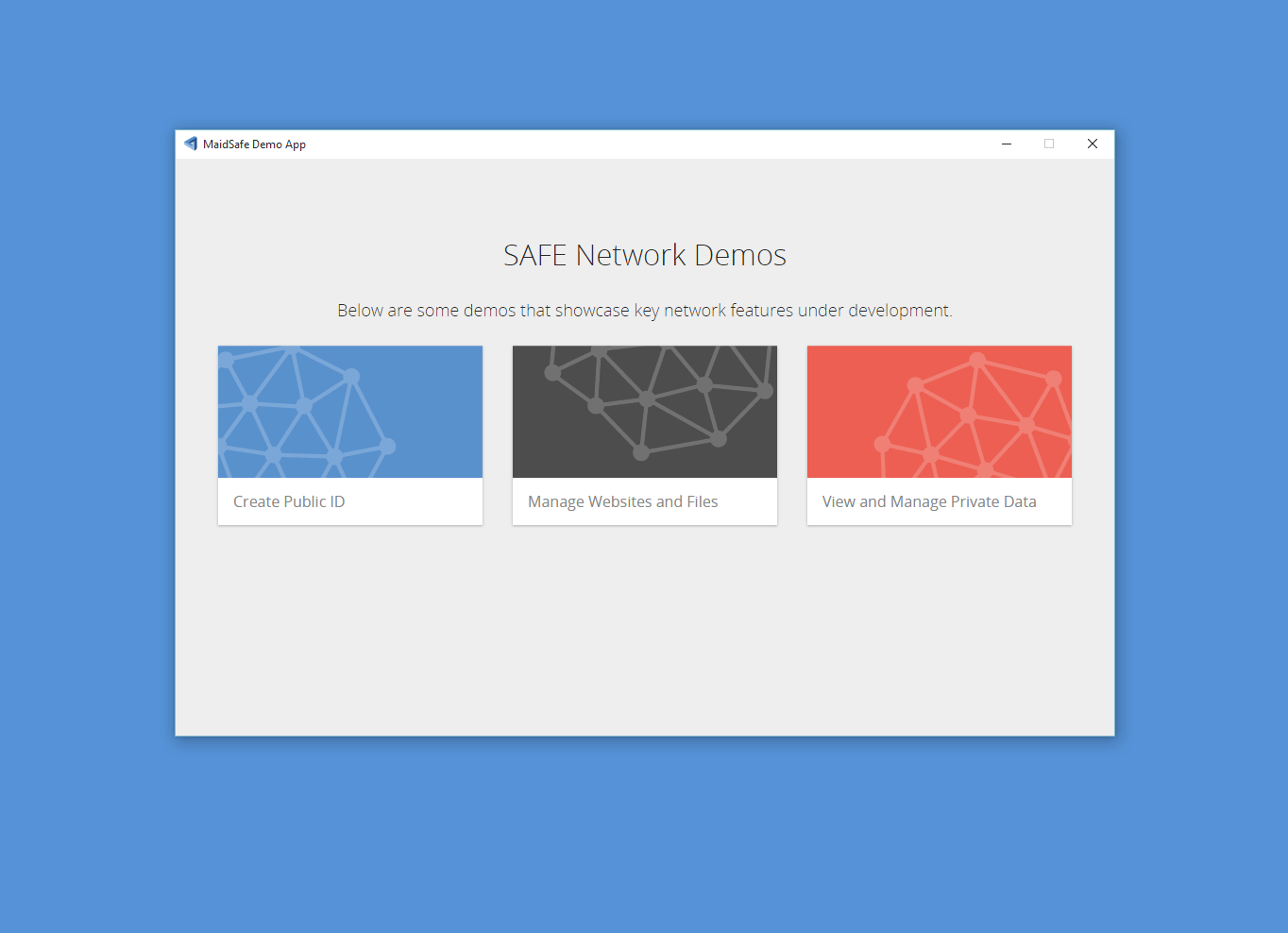
Download SAFE Demonstration Application
Follow this link and download the appropriate SAFE demo app .zip for your OS.

 github.com
OS Support
Currently we only support 64 bit versions of Linux, Windows and OS X.
Set up SAFE Demonstration Application
Once you have downloaded the .zip file extract the contents.
The extracted folder will be called safe_demo_app--x64.
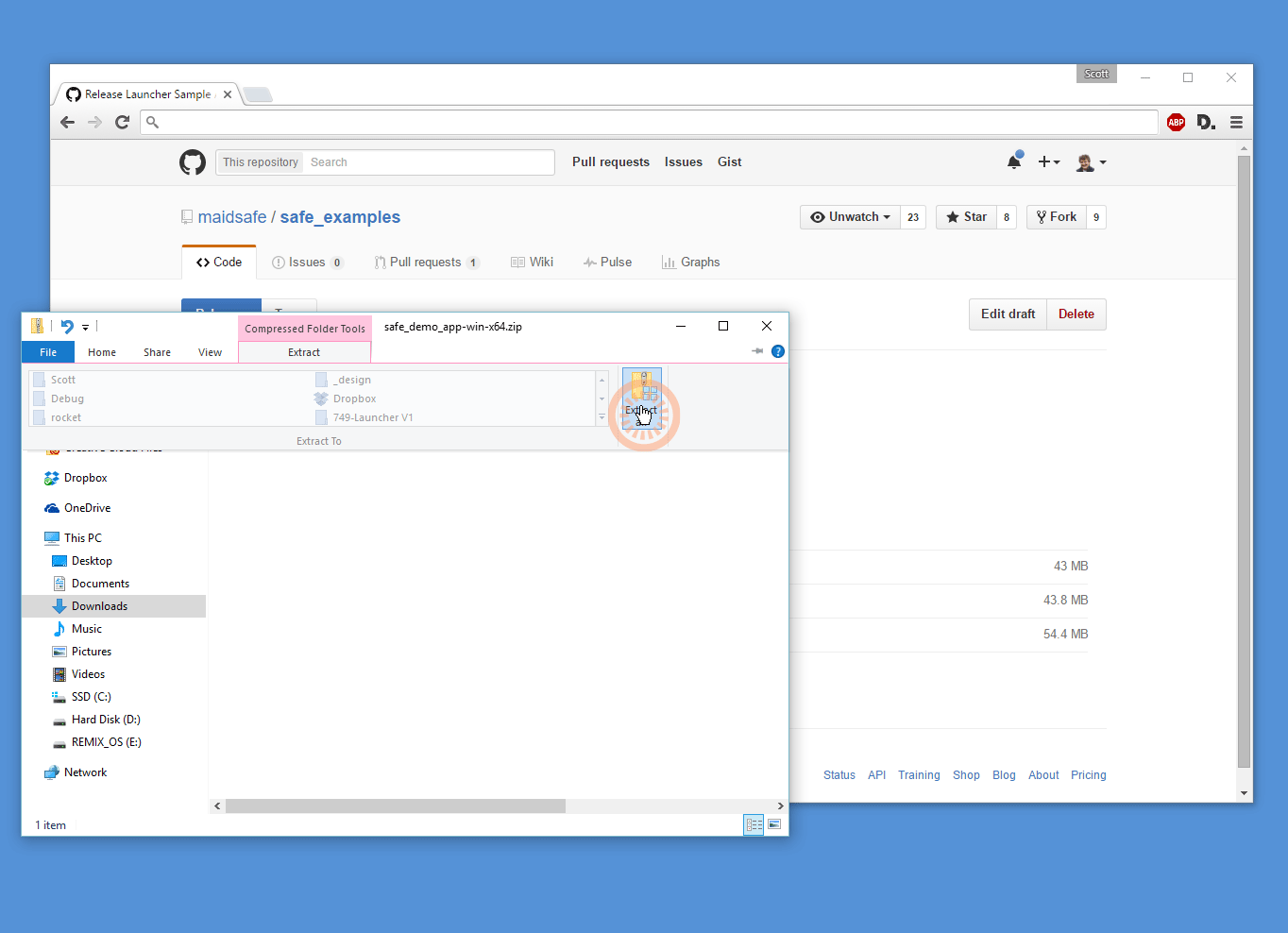
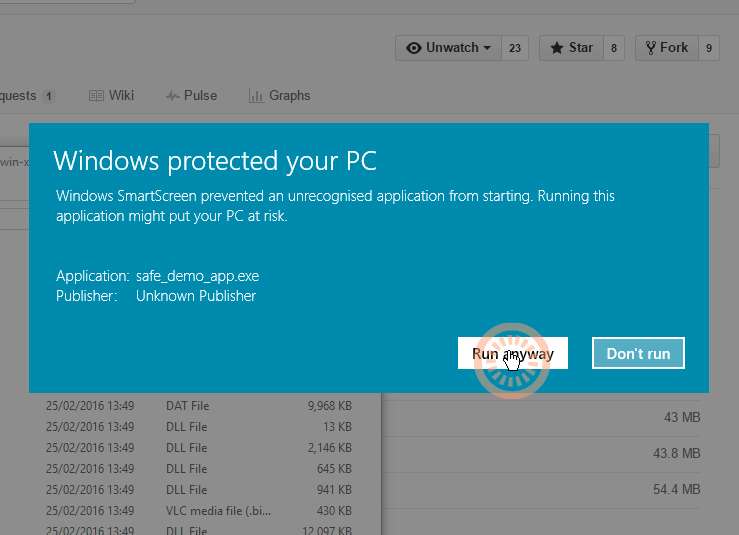
Windows Warning
Open this folder and run the safe_demo_app executable - some OS will warn you about running this executable, below are the Windows warnings. Choose More info > Run Anyway
OS X Warning
On OS X you need to click and select open you will then see the following windows
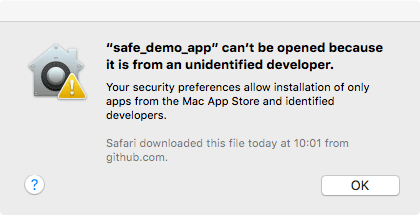
Click OK
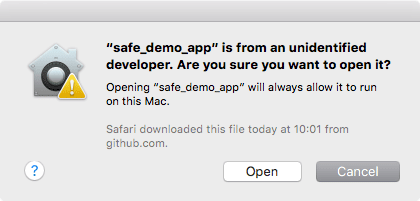
Open "safe_demo_app"
Authorise SAFE Demonstration Application with SAFE Launcher
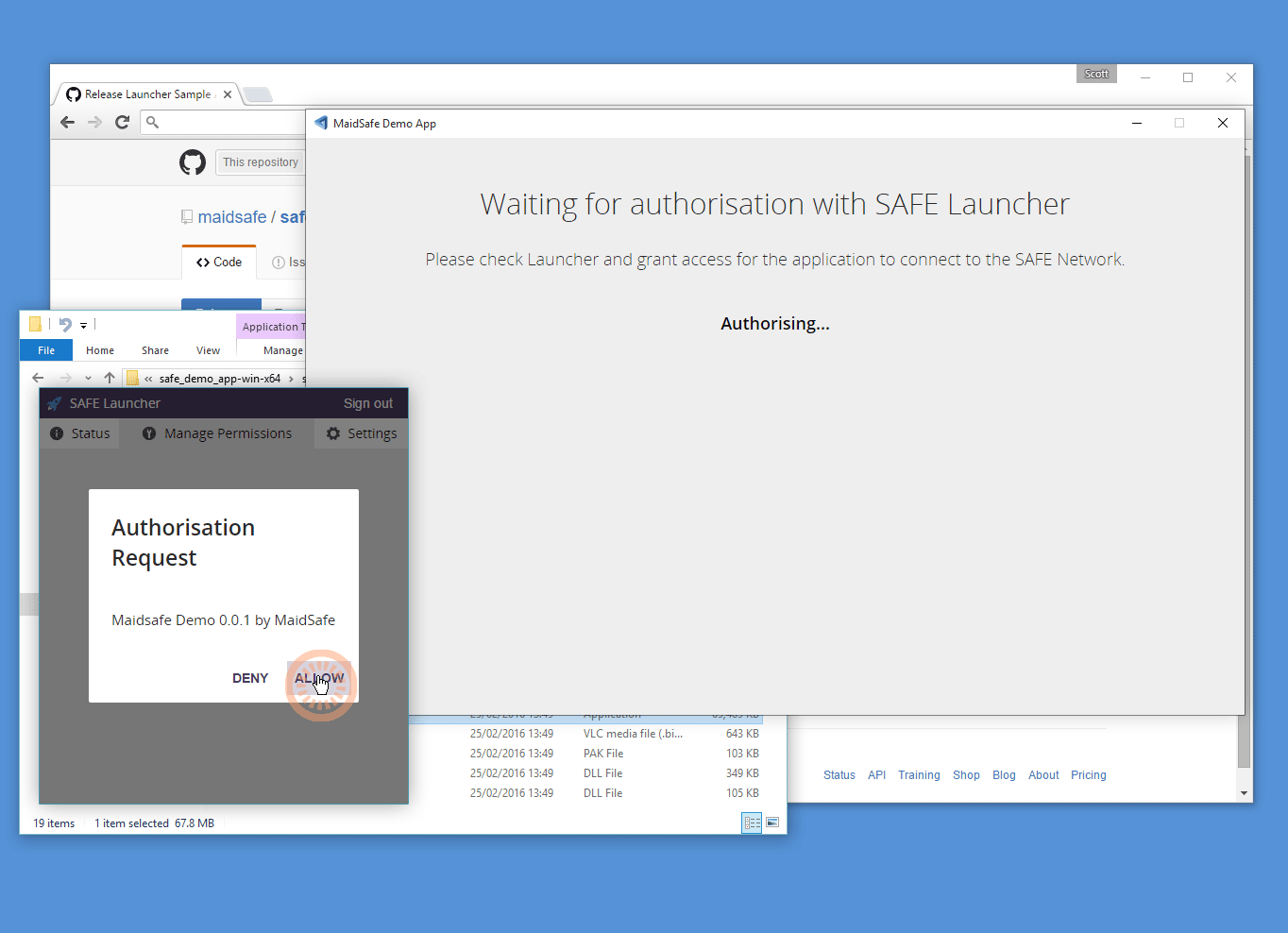
You need to have the SAFE Launcher installed and running to complete the following steps.
Click <ALLOW> in the SAFE Launcher to authorise the SAFE demo app.
The SAFE Demonstration app is now authorised and ready to use.
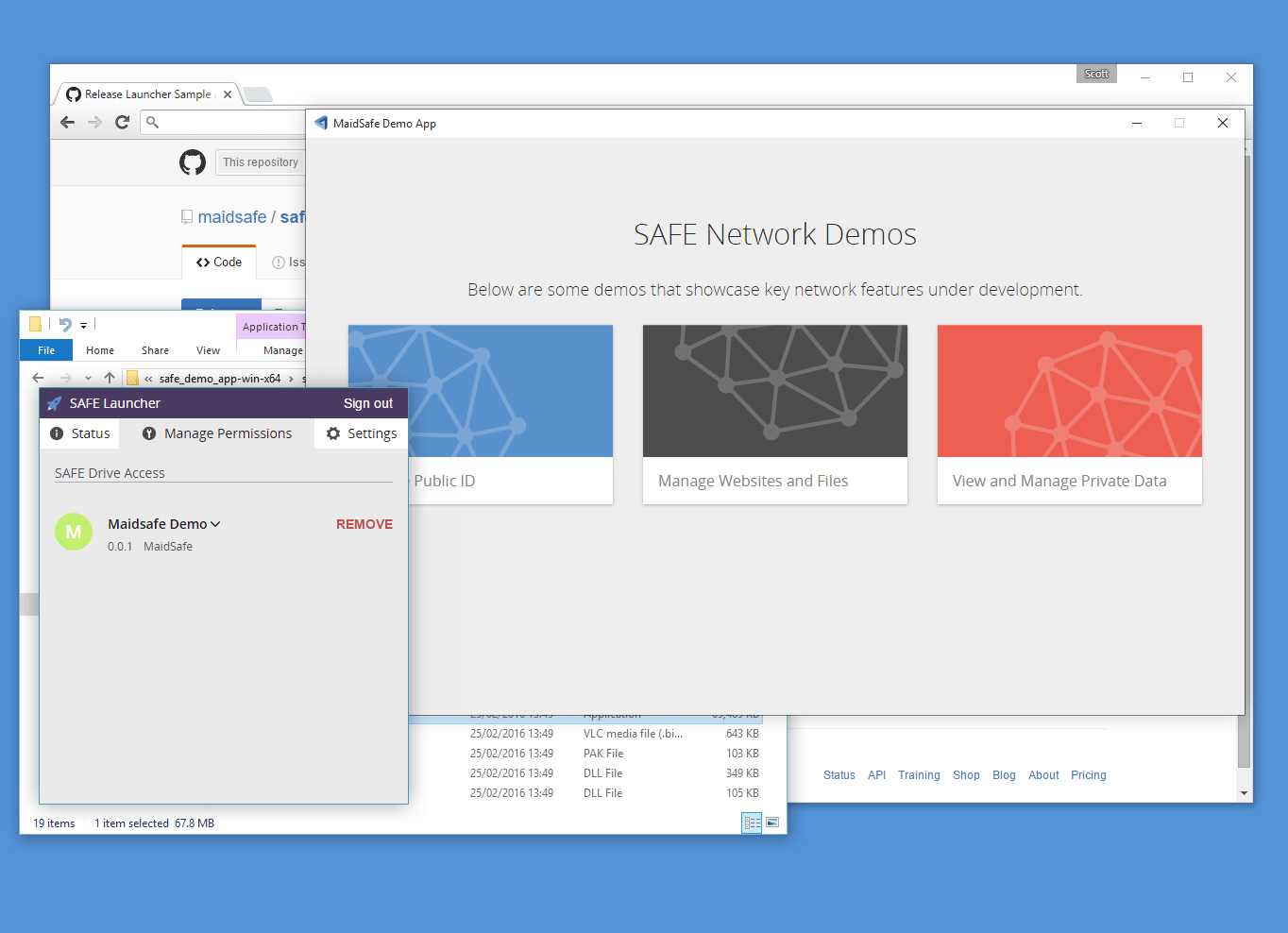
You are now ready to use the SAFE Demonstration application - lets try it out!
Walk through some of the features of the SAFE Network with the SAFE demo app.